

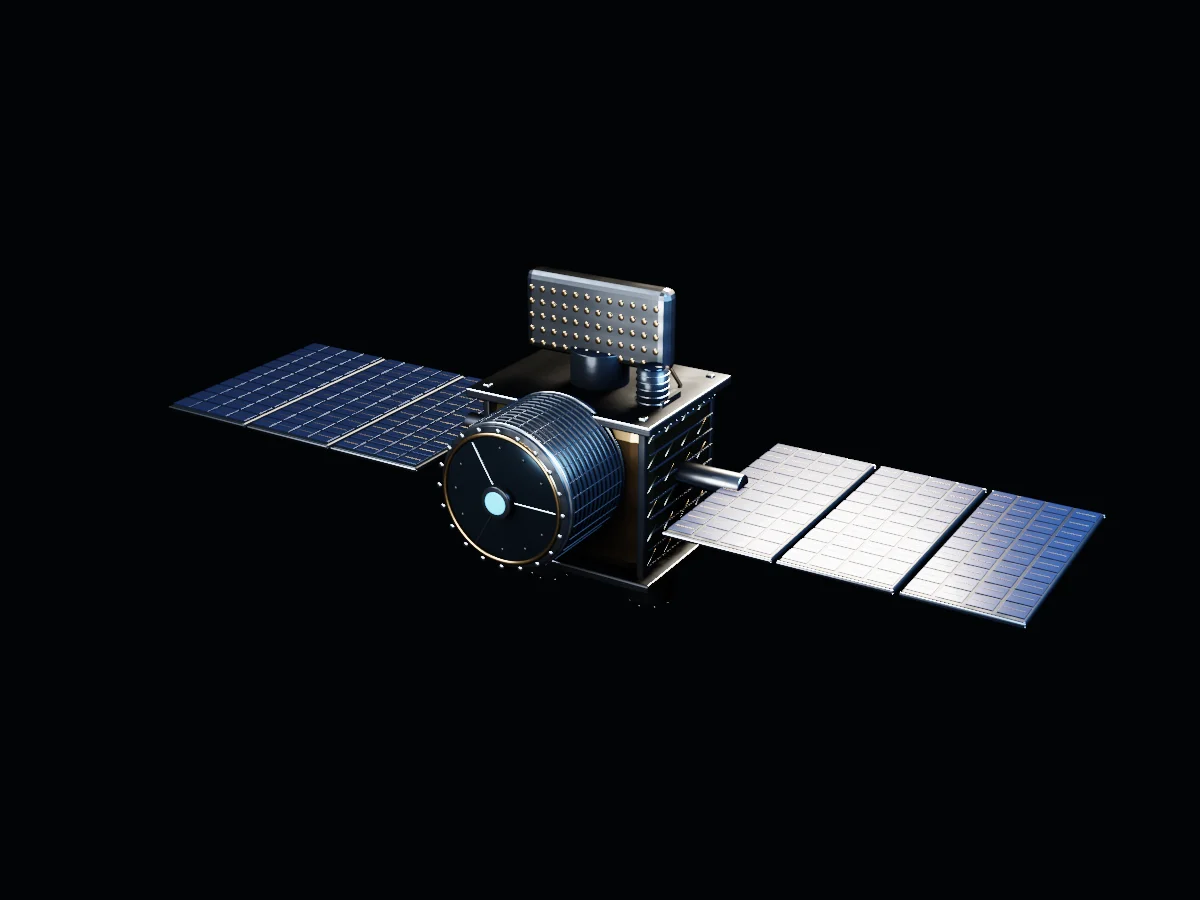
See the hardware.
Understand the mission.
Inspect a fictional orbital observatory, from the optics to the detector, power system and communications. See how the parts turn captured light into information.
An original, self-initiated experience for a fictional brand.
Explore the story ↓Beyond the horizon.
Meet the observatory before meeting the system. Controlled light reveals thermal protection, optical baffles and the aperture at its center. A complex object becomes a readable first impression.
Understand what
you’re looking at.
Select a subsystem. Rotate the view to inspect its construction, or separate the assemblies to see how they relate.
One instrument. Eight responsibilities.
Capture light, support the payload and send its data onward.
Choose a part to reveal a close-up and its role. The detector view opens the housing so the internal electronics can be inspected.
Why it matters
The explorer helps potential customers understand the product and ask better questions about it.
Original fictional hardware. No mission specifications or performance claims.
Drag to rotate · Select a numbered part · Scroll to continue
Preparing the 3D experience
Complex hardware.
A clearer conversation.
Aerospace products are difficult to explain with a single render. Partners need to understand the payload, see what supports it and follow the route from observation to information. This explorer makes those relationships inspectable before a technical conversation.
Understand the offering.
Start with the instrument’s job. Inspect the component that performs it. Connect that explanation to the information a customer would receive.
See how it fits together.
Separate the assemblies, open the illustrative detector housing and explore the supporting power, thermal and communication systems.
Give the discussion a starting point.
Use a shared visual explanation in launches, presentations and website inquiries. Validate comprehension and inquiry quality in a commissioned deployment.
From light to information.
- Capture
The optical assembly directs incoming light toward the instrument.
- Convert
The illustrative detector and readout electronics turn the capture into data.
- Communicate
Onboard handling and communications carry the information beyond the spacecraft.
- Interpret
A real client experience would connect delivered data to a documented use case, with approved examples and technical review.
APHELION is original fictional hardware. It demonstrates an explanatory experience, not a working mission, an engineering simulation or a real data service.
Research direction: NASA’s component explorer ↗ and Webb’s subsystem explanations ↗. No NASA affiliation or endorsement.
Follow the hardware.
Understand the handoff.
Inspect a subsystem, then follow what it contributes to the observation. This fictional observatory helps explain the hardware. It isn’t a flight design, a NASA project or a performance specification.
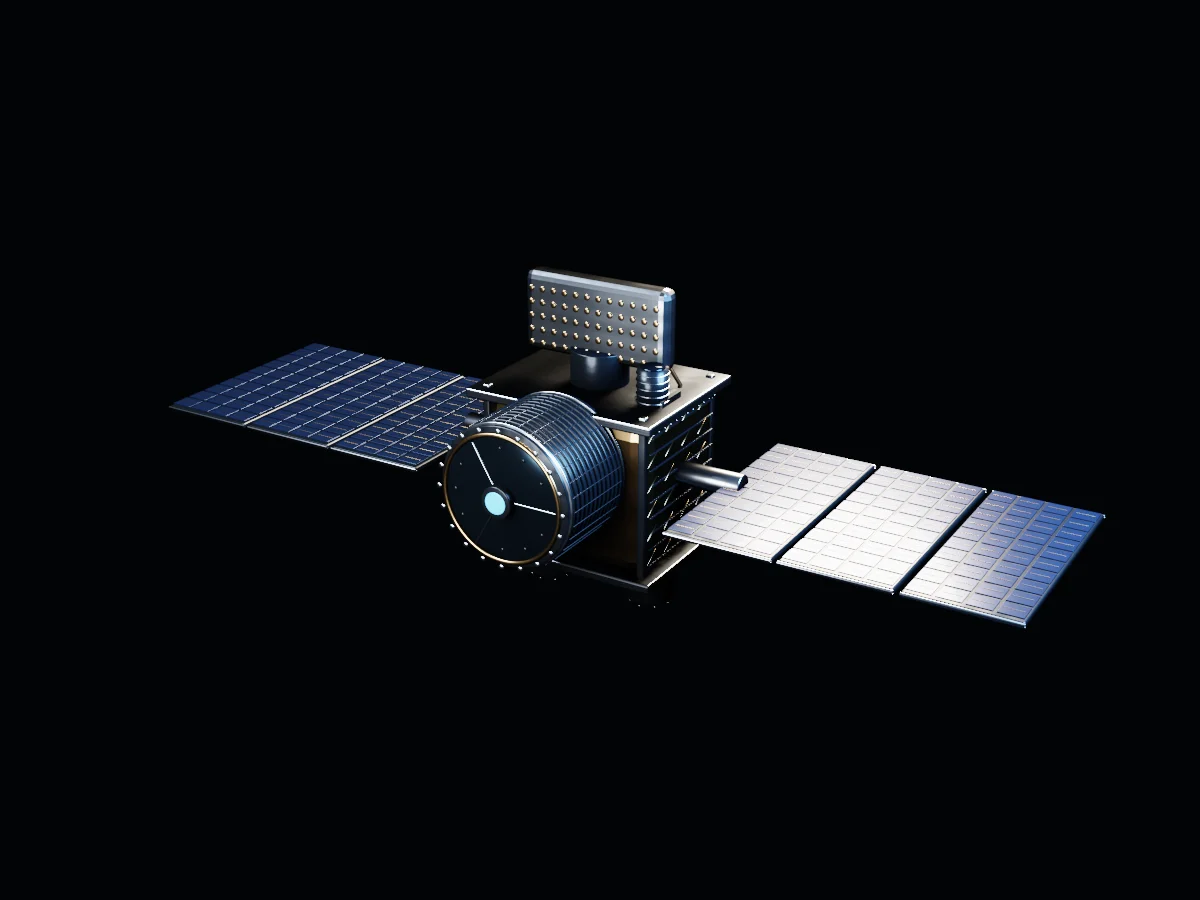 01 / Admit light
Optics
The aperture, support structure and barrel establish the collection path. Optical design, spectral response and calibration would be supplied by the instrument team.
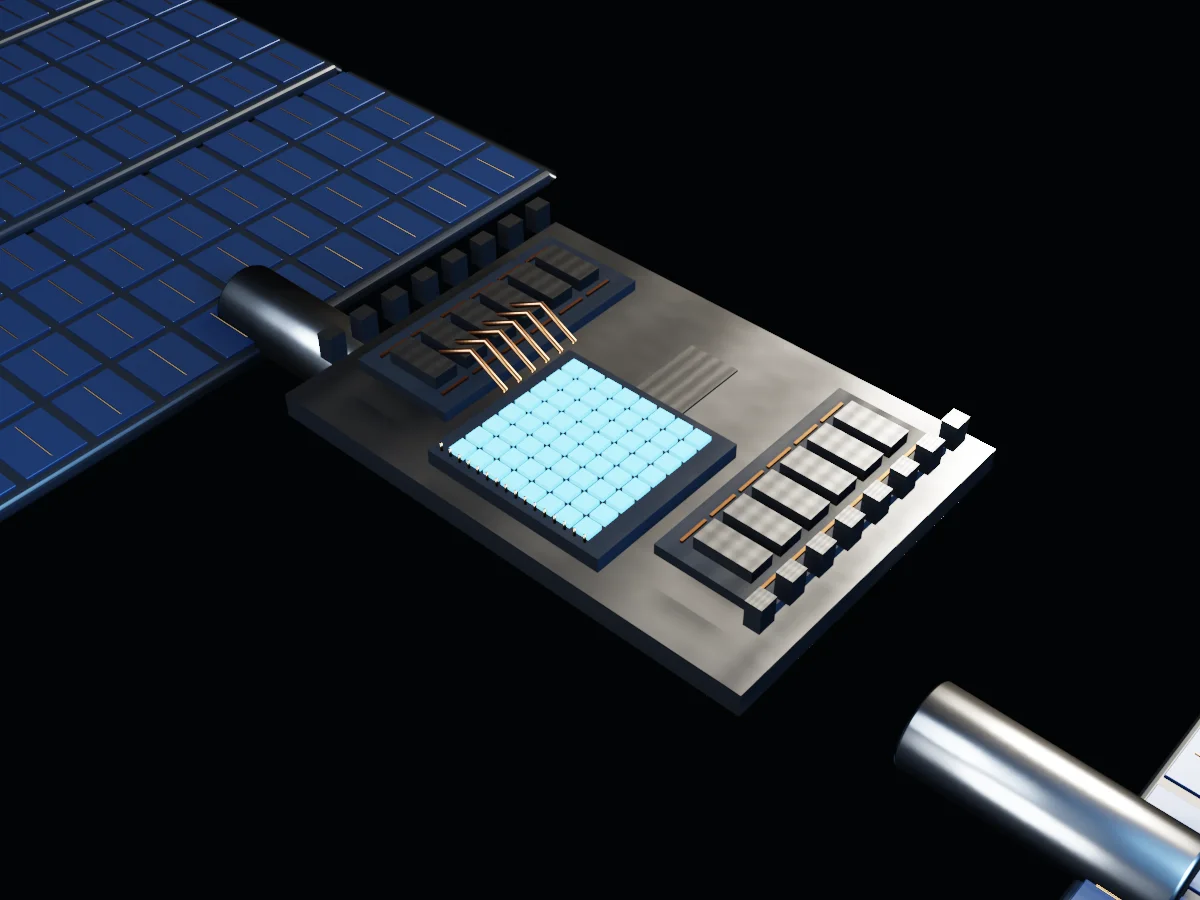 02 / Read the detector
Detector readout
The focal-plane carrier, readout packages and flex harnesses make the instrument-to-electronics handoff visible. The pixel layout is a visual abstraction, not a claimed sensor specification.
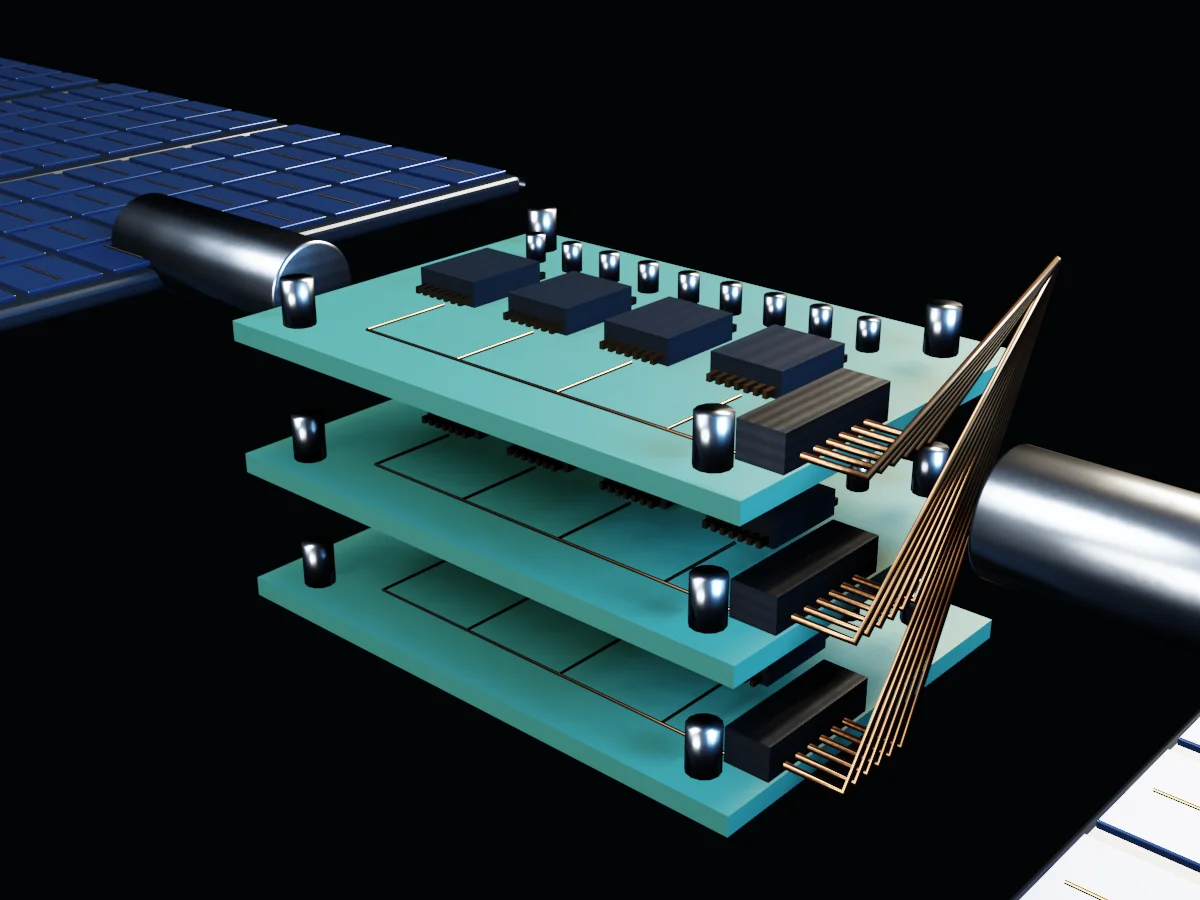 03 / Organize data
Command & data handling
Populated cards, connectors and harness routes represent processing, storage and control responsibilities. A commissioned version would explain the actual interfaces and approved data product.
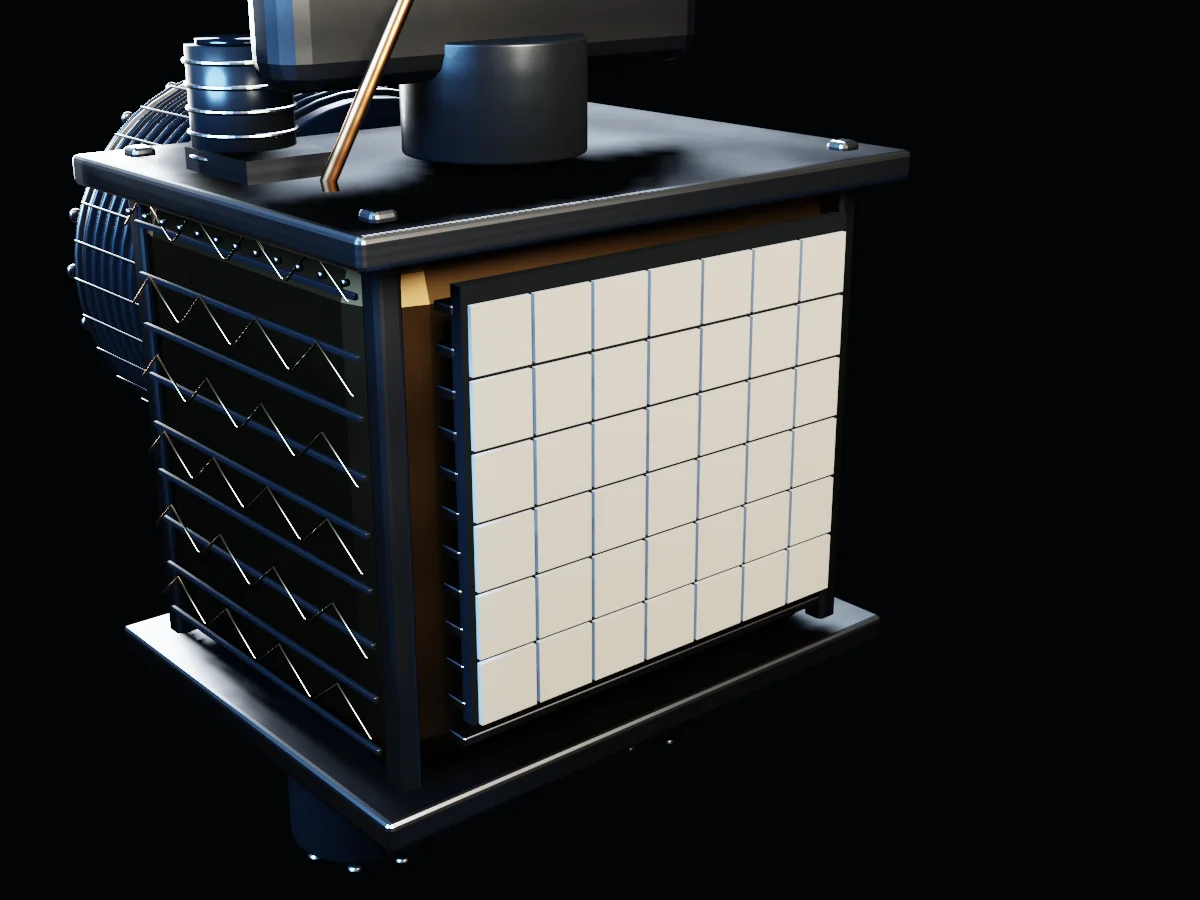 04 / Support the measurement
Thermal architecture
Reflector tiles, heat-pipe routes, deck structure and blanket seams distinguish thermal hardware from the instrument. A real mission would supply its thermal budget and qualification evidence.
From an observation to a useful conversation.
Select a stage to connect its hardware to its responsibility. These are subsystem roles, not a prediction of mission performance.
Research references & design boundaries
These primary sources inform subsystem responsibilities. APHELION’s geometry, arrangement and visual data are original and fictional. NASA has not reviewed or endorsed this example. Real instrument specifications, interface documents and validation evidence would come from the client’s engineering team.
Give every stakeholder
a way into the mission.
A technical buyer, a prospective partner and a wider audience arrive with different questions. An inspectable experience can meet each at the right level, while keeping the underlying explanation consistent.
What does the instrument actually produce?
What the experience makes visible
Open the detector view and follow the capture-to-data chain. Pair the hardware with an approved explanation of the information the payload is designed to deliver.
What comes next
Discuss the application, required evidence and the questions a technical team needs answered.
Discuss Your Mission Story ↗- A stakeholder-specific story map
- Approved component explanations
- Optimized 3D model and inspection views
- Readable static content and mobile adaptation
Check whether visitors can explain the capture-to-data sequence.
Set the business goal and measurement plan before production. This studio example demonstrates the approach; it does not claim client results.
The detail
has a purpose.
Choose a system to change the 3D view above. Every selection pairs the scene with a readable explanation.
Choose a detail.
The complete object is the starting point. Select a detail to inspect the construction, then return to the guided view.
A different product.
Your own world.
Bring us the audience, the idea and the decision your website needs to support. We’ll discuss where a distinctive experience could help.
Discuss a Space ExperienceExplore the relevant service ↗